
Training
Choose the training your team needs. Start with Operator / In-Service, Technician, or Installation training, then watch the videos, download resources, or request a live session.
Operator / In-Service
For crews using VIATEC equipment in the field: startup, charging, operation, and portal basics.
Request operator trainingTechnician
For service teams: indicators, diagnostics, customer service, and troubleshooting workflow.
Request technician trainingInstallation
For installers: setup, hydraulic connector overview, post-install checks, and validation.
Request installation trainingChoose the right training path, watch the full SmartPTO video, review shorter topic clips, download the right resources, and request a live session when your team is ready.
Choose Your Training Path
Each audience gets a focused path with the videos, references, and live-training request option that fits their needs.
Operator / In-Service
For crews and operators using VIATEC equipment in the field.
- Daily startup and shutdown
- Charging and pump operation
- Operator portal basics
Technician
For service teams, technicians, and support staff.
- Status indicators and diagnostics
- Customer Service / support page
- Troubleshooting workflow
Installation
For installers who need setup, validation, and handoff guidance.
- Overview of parts in the installation kits
- General vehicle integration guidelines
- Installation instructions & supervision during first install
- Commissioning with VIATEC Support
- Post-installation checklist
- Validation testing
What You'll Learn
The core topics covered across the videos, documents, and live-training options.
Best Place to Start
New users should watch the full training video first, then use the short clips below as refreshers for specific tasks.
Jump to short clipsFull Training Video
Complete SmartPTO Training
The complete 14-minute SmartPTO training video — the primary training resource. Watch this first, then use the short clips below for targeted refreshers.
Short Training Videos
Scroll to browse
After Installation
1:22–2:04 — Post-installation checks and setup guidance.
Pump Status Indicator
3:01–4:38 — Where to find and read the pump status indicator.
Proper Charging
4:38–4:55 — Quick check for proper charging behavior.
Customer Service Page
5:15–6:01 — Where to find the customer service / support page.
Hydraulic Connector
6:01–7:11 — Hydraulic connector overview and operator check.
Enabling the Pump
7:11–7:38 — Steps for enabling the pump.
Display Screen Readouts
8:27–8:55 — Display/toggle readouts including PSI, kW, and GPM.
PTO to Truck-Side Pump
10:02–11:20 — Switching from PTO mode to the truck-side pump.
How to Charge the System
12:02–12:55 — Charging procedure from the timeline breakdown.
Before Your Training
Request a Training
Choose the type of VIATEC training your team needs.
Who is requesting training?
Tell us a little about your team, then choose times that work.
Pick times that work
Select the days and times that suit your team.
Pick as many as you like — VIATEC will confirm the final time by email.
Request sent
Thanks — your training request is on its way to the VIATEC team. We'll follow up by email to confirm a time.
Downloadable Resources by Training Type
Operator / In-Service
Operator quick referenceCharging checklistDaily startup / shutdown guideTechnician
Status indicator referenceCustomer Service escalation stepsTroubleshooting guides are system-specific. Start by reaching out to Customer Service and we'll give you the right guide for what you're experiencing.
Installation
Installation checklistHydraulic connector referencePost-install validation sheetBrochures by Product
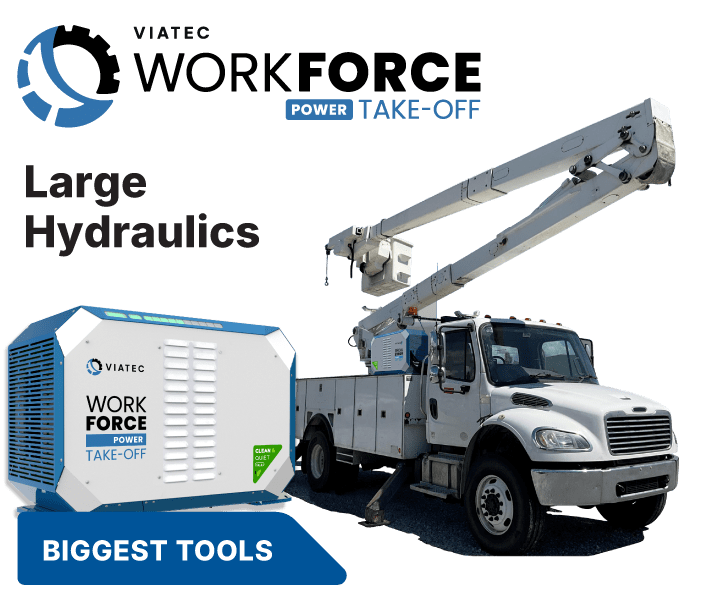
WorkForce Power Take-Off
Open brochure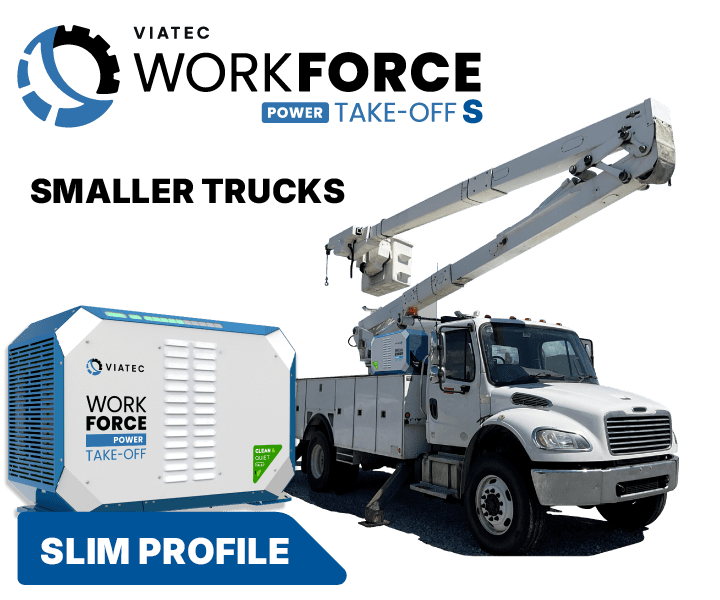
WorkForce Power Take-Off-S
Open brochure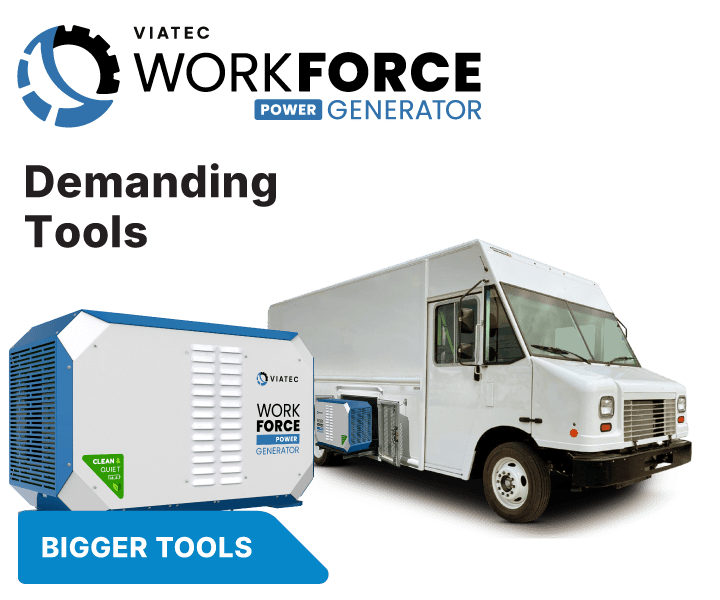
WorkForce Power Generator
Open brochure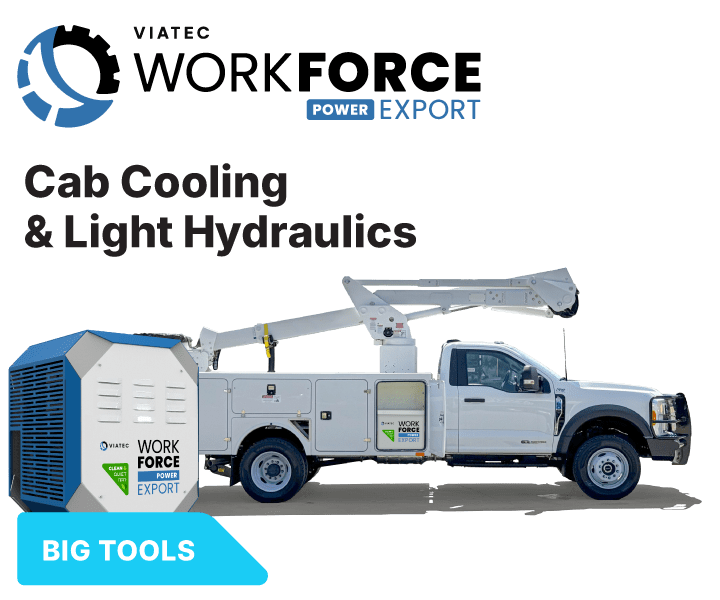
WorkForce Power Export
Open brochure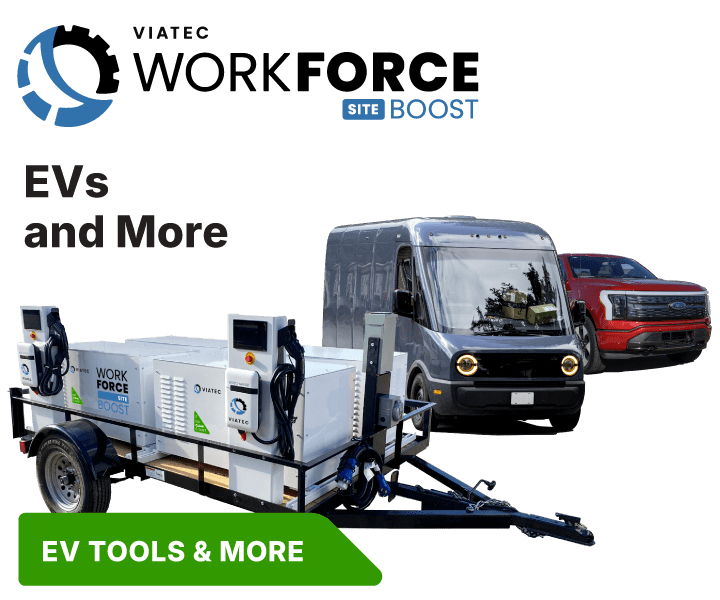
WorkForce Power Boost
Open brochureNeed help now?
Not sure which training you need? Contact Customer Service and we'll help while a live training request is being scheduled.